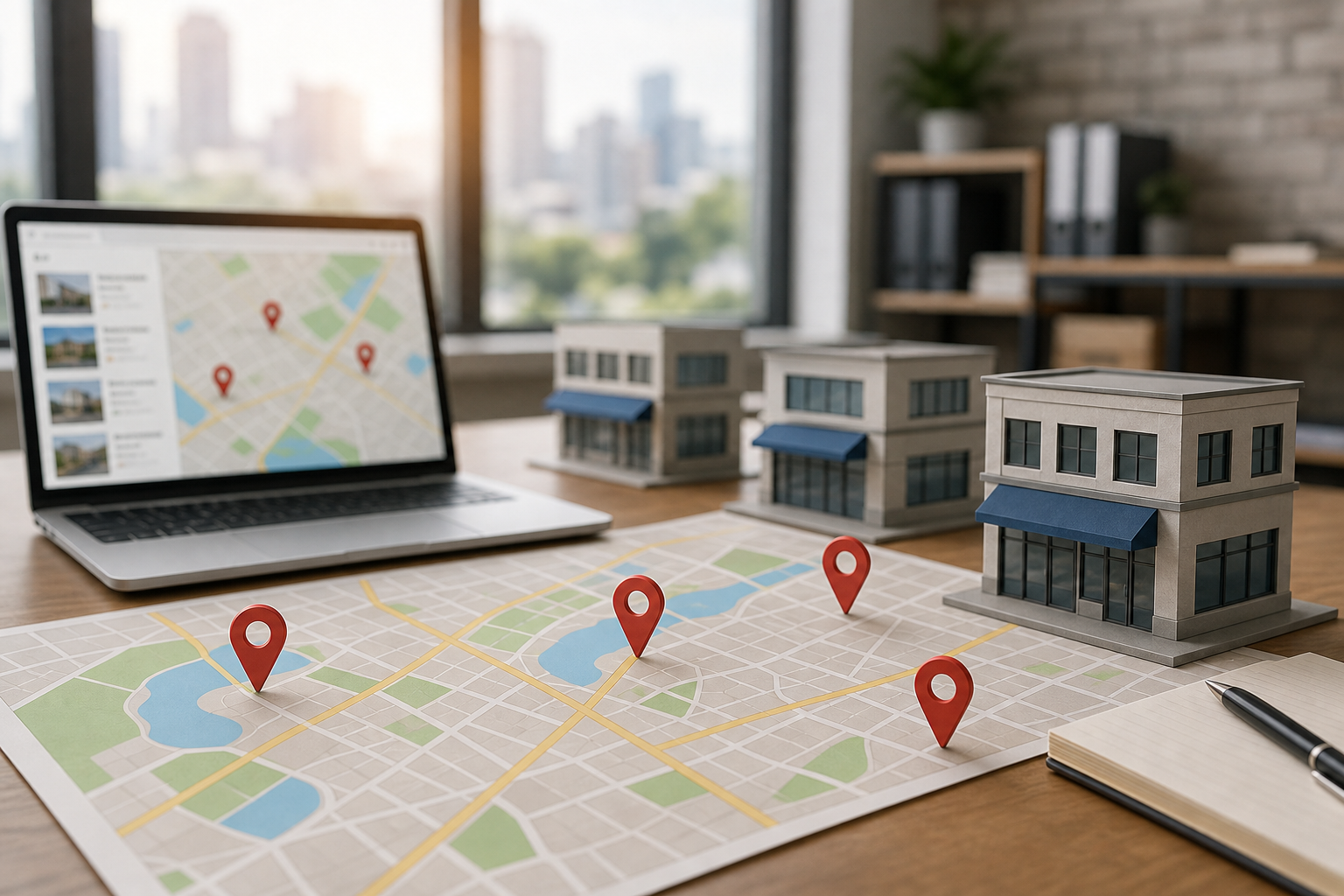
If your business in Kolkata or West Bengal operates across multiple locations or serves broad service areas, helping customers choose the right branch or service zone is crucial. Whether you have offices in Salt Lake, New Town, or South Kolkata, or you cover neighborhoods like Garia, Jadavpur, or Howrah without physical premises, clear and accurate location information can significantly improve customer experience and reduce confusion.
For instance, a healthcare clinic with doctors consulting at different branches on specific days or a home-service provider covering several localities without storefronts needs a well-structured approach to presenting location data. Instead of creating numerous generic locality pages, developing a clear system that distinguishes between branches, service areas, and catchment zones will better guide your customers and support your marketing efforts.
Start by separating locations, service areas and catchment areas
Understanding these distinct concepts is key to organizing your information effectively:
- Business location: A physical branch, office, clinic, showroom, or any customer-facing premises.
- Service area: Geographic zones where your business delivers services, visits customers, or accepts walk-ins.
- Catchment area: The broader region from which customers typically travel or make enquiries.
- Delivery or response zone: Operational boundaries influenced by factors like travel time, delivery costs, staff availability, or appointment capacity.
For example, a diagnostic centre with branches in Salt Lake and Mukundapur has those as its locations but may serve patients from New Town, Kasba, and South Kolkata without physical offices there. Similarly, a pest control company based in Garia might cover Jadavpur and Tollygunge without branches in those areas. Clarifying these distinctions internally before updating your website helps avoid misleading locality pages that imply physical presence where none exists.
Build one master location record before changing the website
Before modifying page titles or adding locality names, compile a master record for each genuine location and service zone. This can be a simple spreadsheet managed by a designated person who updates it as operations evolve.
| Field | What to record | Why it matters |
|---|---|---|
| Location name | The official branch or premises name | Ensures consistent public labelling and prevents informal or outdated names |
| Full address | Street, building, locality, city, state, and PIN code | Supports accurate directions, customer confidence, and listing precision |
| Contact details | Branch phone, email, or central contact route | Routes enquiries correctly to the responsible team |
| Opening hours | Regular, holiday, and appointment hours | Reduces missed visits and unanswered calls |
| Services offered | Only services genuinely available at that location | Prevents customers contacting branches unable to assist |
| Responsible team | Branch manager, reception desk, or service coordinator | Creates clear ownership for enquiries |
| Coverage | Areas served from that branch, if relevant | Supports practical routing and accurate local information |
| Status | Open, temporarily closed, relocated, or permanently closed | Prevents outdated locations from remaining live |
Include operational notes customers may need, such as parking availability, landmark directions, consultation days, delivery charges, or booking requirements. These details often provide more value than simply adding locality keywords.
Choose the right website structure for your business model
There is no one-size-fits-all architecture for multi-location businesses. Your website’s structure should reflect how customers select locations and how each branch operates.
One business, several similar branches
Maintain a central locations page listing all branches, with dedicated pages for each meaningful location. Each branch page should feature its address, phone number, hours, services, directions, photos, and enquiry options.
A typical structure might be:
- Business homepage
- Services
- Locations
- Locations / Salt Lake
- Locations / New Town
- Locations / Garia
Avoid duplicating pages with only locality name changes. For example, a Salt Lake page might include details about Sector V access and parking, while a Garia page could highlight different directions or appointment availability. If no meaningful differences exist, a strong central locations page may suffice.
Several branches with different services
When services vary by branch, your site should clearly show both relationships:
Service → available locations
Location → available services
For example, a healthcare group might offer cardiology at one branch, dental consultations at another, and diagnostics at both. Visitors searching for a service should easily find which locations provide it without opening every branch page.
Use clear labels like “Available at Salt Lake” or “Consultations at New Town on selected days,” ensuring the information is accurate and regularly updated.
A service-area business without customer-facing branches
For businesses such as plumbers, home healthcare providers, appliance repair, or mobile service teams, the main page should describe the operating area rather than implying multiple offices.
Explain clearly:
- Which areas are regularly served
- Whether coverage varies by service type
- Any travel or delivery conditions
- How customers can confirm availability
- Which locations fall outside the normal service area
A business serving Garia, Jadavpur, and Tollygunge can state this without creating artificial branch pages. A locality page is justified only if it answers a distinct customer question and provides genuinely useful local information.
Make the location page useful at the moment of choice
Branch pages should do more than replicate directory entries. They should help visitors decide if that location suits their needs and guide them on what to do next.
Include at minimum:
- Real-world branch or location name
- Complete address with embedded or linked map
- Phone number reaching the correct team
- Opening, consultation, or appointment hours
- Services available at that location
- Directions, landmarks, parking, or access details
- Actual photographs of the premises, if available
- Primary call to action: call, book, request a quote, or enquire
- Information on what happens after the enquiry
For Kolkata businesses, vague terms like “near Kolkata” are rarely sufficient. Customers may need to know if a clinic is near EM Bypass, if a showroom is accessible from New Town, or if a service team visits Howrah. Use local context to clarify decisions rather than merely repeating neighborhood names.
Use a clear relationship between the main locations page and branch pages
The central locations page should serve as a decision hub, offering lists, maps, filters, or service-based options that let visitors compare locations without opening irrelevant pages.
Each branch page should link back to the central locations page and to the services available there. Similarly, service pages should link to relevant locations where location affects the customer’s choice. This creates a practical navigation flow:
Search or service page → relevant branch or service area → contact action
Avoid linking every location from every paragraph. Visitors seeking a specific service need only the locations that provide it, not a long list of unrelated branches.
Decide when to create a separate location page
Create a separate page when most of these apply:
- There is a genuine physical location or clearly defined service area.
- The location has distinct address, hours, contact, or access details.
- Customers make decisions based on that location.
- The branch offers enough unique information to avoid thin content.
- The team can maintain the page as services or hours change.
- The page plays a clear role in navigation and enquiries.
Keep information consolidated when proposed pages would duplicate text, show no operational difference, or exist solely due to keyword research locality names.
Decision rule: create a location page for customer-facing places; create a service-area section when the business travels; create neither when the only difference is a substituted locality name.
Handle service availability without creating confusion
Multi-location businesses often list services generally, expecting customers to infer availability by location. This can lead to unnecessary calls.
Use a simple internal availability matrix like this:
| Service | Salt Lake | New Town | Garia |
|---|---|---|---|
| Service A | Available | Available | Not available |
| Service B | Selected days | Not available | Available |
| Service C | Enquiry required | Available | Available |
This example is for planning, not a recommendation. On your website, translate the matrix into clear language. “Available” may suffice for standard services. “Selected days” should link to current schedules. “Enquiry required” should explain what customers need to confirm.
For clinics, doctors may work at different branches on different days. Education centres may run courses at only one location. Retailers might have stock variations by showroom. Your information architecture should reflect these real differences rather than presenting all locations as interchangeable.
Keep Google Business Profiles and website information aligned
Each physical location should have consistent, accurate public information across all platforms customers use to evaluate it. Verify business name, address, phone number, website URL, hours, categories, and services against your master record.
A central website page cannot fix an outdated phone number on a Google Business Profile, nor can a branch page correct an incorrect map pin or invalid hours. Regularly review and update information after:
- Opening, closing, or relocating a branch
- Changing branch phone numbers
- Adding or removing services
- Adjusting consultation or appointment hours
- Moving teams between locations
- Changing service coverage or delivery boundaries
While local search visibility is important, the broader goal is consistency between what customers see, what your business delivers, and what happens after contact.
Design forms and contact routes around location choice
If customers contact you via forms, phone, WhatsApp, or booking systems, capture location information when it affects enquiry routing.
Useful fields include:
- Preferred branch
- Locality or PIN code
- Service required
- Preferred date or time
- New or existing customer status, if relevant
Only request location details your team will use. Smaller businesses may need just locality and service required, while larger organizations might require branch, department, and appointment preferences.
Track source and location separately. For example, “Google Business Profile” indicates how a customer found you, while “New Town branch” shows where to handle the enquiry. Combining these can reduce reporting clarity.
Plan for closed, moved and overlapping locations
Location management often fails during changes. A closed branch page may remain indexed, a new branch might not be added to the central page, or overlapping branches may confuse customers about which handles their service.
Implement a change process:
- Update the master location record.
- Confirm new address, phone, hours, and services.
- Update website locations and affected service pages.
- Update profiles and key external listings.
- Test calls, maps, forms, and directions.
- Decide if old URLs should redirect or remain with closure notices.
- Monitor enquiries for weeks to identify recurring confusion.
Avoid redirecting all old location pages to the homepage without checking relevance. The replacement should guide visitors to the correct branch or explain changes clearly.
A practical audit for a multi-location website
Choose one service and follow the customer journey. Search for the service from Kolkata, a relevant locality, and nearby areas like Howrah or Barasat. Check:
- Does the search result lead to the correct service or location?
- Can visitors identify which branches offer the service?
- Are address, phone, and hours consistent?
- Does the map point to the correct place?
- Can mobile visitors call or enquire easily without navigating complex menus?
- Does the enquiry reach the correct location team?
- Is the outcome recorded by branch, service, and source?
Repeat the test for a second service with different availability. This often reveals whether your website truly helps customers choose or just appears organised.
Conclusion
Organizing your multi-location or service-area business information with clear distinctions between physical branches, service zones, and catchment areas can help customers make more informed choices. Maintaining a master location record and creating location pages only when they provide meaningful, unique information can reduce confusion and improve user experience.
Linking services transparently to their available locations and communicating coverage with relevant local context—especially for Kolkata and West Bengal—can further build customer confidence and streamline enquiries. Regularly auditing your website and Google Business Profiles for consistency, accuracy, and ease of use will support clearer customer journeys.
Begin by focusing on one priority service: verify contact details and map accuracy for each branch, test enquiry routes on mobile devices, and identify any pain points customers face. This practical approach will help you decide whether to create new location pages, enhance service-area content, improve branch data accuracy, or simplify contact processes. Thoughtful implementation of these steps can contribute to more effective local marketing and better customer satisfaction in the Kolkata and West Bengal markets.